

How to Start
Systems
How to Start
Visit wwebsite and create your own account
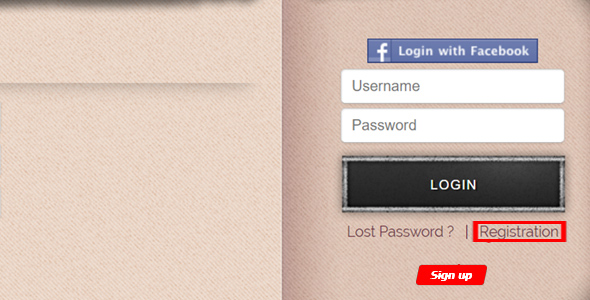
When you sign up, try to use press
 button. You can also sign up with Facebook address and you will not need email authentication.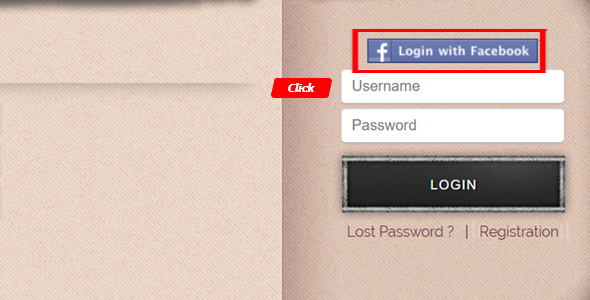
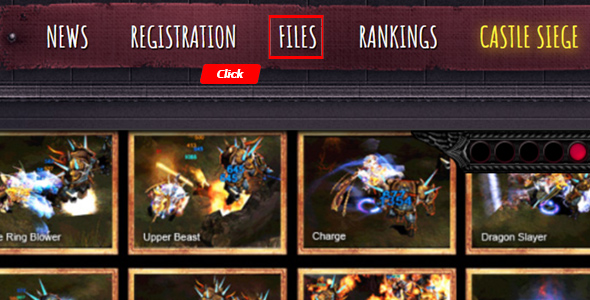
When you click "FILES" button, you will see a message, you will move to the game client download page.

Jump to the client download page to download the latest game installer. You have to download the client from exact your preferences page.
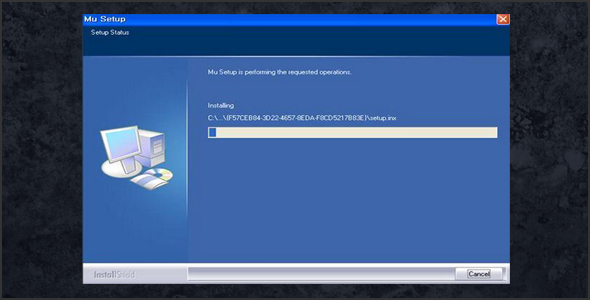
Install the client installer on your PC. (Windows Vista 64 bit is incompatible.)
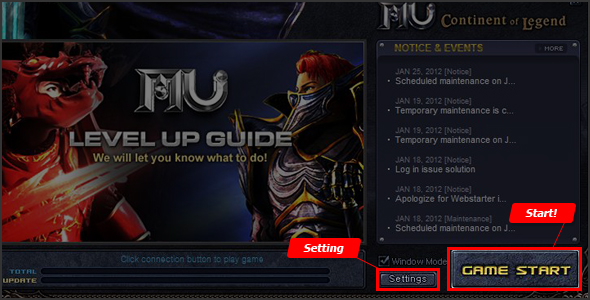
Once you see the game client window, you may configure some of the game. settings (screen resolution, color depth, sound) by pressing on the Setting button, otherwise continue by pressing Game Start
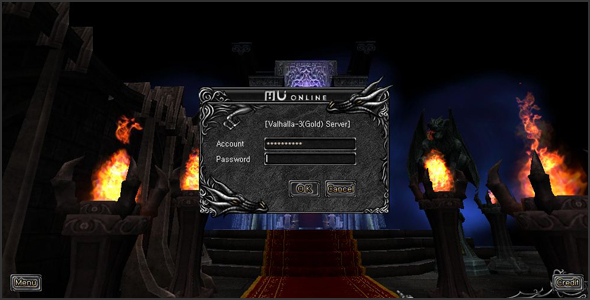
Lastly, input your MU.lv account password to validate your account.
 button. You can also sign up with Facebook address and you will not need email authentication.

System Requirements
| Minimum Requirements | |
|---|---|
| OS | Windows 2000 Service Pack 4 |
| CPU | Intel® Pentium® 1.4 GHz or higher |
| RAM | 512 MB or higher |
| Video Card | Geforce FX, Radeon 9600 or higher |
| Video Card RAM | 128 MB or higher |
| Driver | DirectX 9.0c or higher |
| HDD | 6GB or higher (including swap & temp files) |
| Recommended Settings | |
|---|---|
| OS | Windows 10 |
| CPU | Intel® Core® 3 (2.8 GHz) |
| RAM | 4 GB or higher |
| Video Card | Geforce 6x00, Radeon x600 or higher |
| Video Card RAM | 1 GB or higher |
| Driver | DirectX 9.0c or higher |
| HDD | 6GB or higher (including swap & temp files) |
 Loading...